You are using a computer, at your home or at work and now you want to use the computer to communicate with others, what can you do and use? Well, communication today has advanced greatly and computers assist us in doing it and even save us some cash :).
Naming some of the main communication techniques being used by computers: e-mails, VOIP (Phone conference calls),
phone calls, online chat messengers like Skype, Live Messenger, Yahoo messenger, etc… and more. So let’s focus on the techniques to expand and increase our knowledge of them.
E-mails: Well e-mails are no news anymore, I believe everyone is using e-mails. This is the way computers enable to pass letters from one another. You just type your message (attach any file, video, photo) and send your advanced letter to your friends, family, co-worker, etc… This technology is working and getting better as the years pass.
Phone calls: There are two main types:
- Internet calls – which means you are calling another person, who is sitting on a computer, connected to the internet, and using the same program as you. Like Skype calls or Live messenger calls etc… where you use online chatting (typing your messages online) or just calling your friend, and using speakers and microphones or headphones with a microphone to conduct the chat.
- Calling a regular phone from a computer – You can use the headphones with a microphone to call regular phones (Cell phones or landlines phones). This is doable by using a program that can connect you to those regular phone lines. Skype has such a solution (it is not free of charge), you can use “icall“, “evaphone“, “Google voice” (which is not open from any country), “tuitalk” or “freebuzzer“.
VOIP Switchboards: Well VOIP is a way to enable computer users to conduct phone calls using their
computers or the network. VOIP enables you to either use a VOIP client software that enables dialing out, using headphones with a microphone or just using an IP phone (Network Phone).
VOIP switchboards, are servers with a switchboard system, that enables you to use the network as your platform for making the phone calls. The VOIP switchboard enables a regular phone line to connect to the VOIP server, and the VOIP switchboard system can use those phone lines to conduct your computer phone calls. This is explaining what VOIP Switchboard is without getting too deep into it (this is not the purpose of this article).
Online chat messengers: Online chat messengers have been used for ages and they are getting better in time. They include a typing place, making voice calls between the messenger registers and enable to include your webcam while you chat or type your messages. These messengers enable you to talk over the internet which is, of course, free of charge. The catch is both of you have to be in front of a computer or maybe on a smart mobile phone, that has an internet connection (like iPhone).
I believe this covers some basic calling ways, using our computers, and I believe these methods will advance even more, and become cost-effective for international communications.
 (HTTPS) which of course are being used for internet browsing. Skype also has methods of hiding itself as an application by using

 by McAfee – Skype is also a VOIP type of an application. The WebWasher recognizes Skype by using a generic body filter, using the fingerprinting method based on Skype’s unique binary pattern. WebWasher also comes with an SSL scanner which can block Skype attempts to use SSL through ports 80 & 443.
 here are those who would like to build their own computer so they can save money, by buying the parts they need, for the most basic computer (not that this is necessary true always) but in some cases, it might work.




 configuration from that price offer you have received to some other dealers/vendors (without the prices of course), to get a price offer for the exact computer configuration, only then you will be able to compare between the price offers and negotiate/argue for a better price.


 but as I see it, the best application in my opinion is defined by the user itself, each one has its own opinion on what is the best application for him. So, since it is an individual opinion I will make my own list of best computer applications.


 this anti-virus includes child control by Parental Control, which can block unwanted websites, and protect our children from accessing harmful websites. You might give this anti-virus a try, and see if it suit your needs.
 your identity, and has mailbox protection against spam.


 Either the computer at home who stores all of our private information, maybe our most secretive data, maybe just photos of the whole family, over a 2 year period or any type of important information we would like to keep and never lose on our home computer or it is our server computers on our organization who holds the whole of the company’s operations, important info, accounting data, secret passwords, web applications, e-mail servers etc… which if for some reason we won’t have them operational, will cause us to lose our business, damage our income, and create losses to the organization, will be a great disaster. This is a scary thought.
 being used, and the slave is the backup server. The master keeps updating the slave with any change of data, and so we have two running servers who are at all times exactly the same. There is also a mechanism that knows to switch between them, in case the master is not accessible due to network issues, server has crashed etc…b. The other option is to place the server on a VMWARE server. Those VMWARE servers, if they contain a


 processes of a shrinking tool, like the

 the internet, so it needs to get connected through a router & modem to enable internet connection. We can create a network for a working place, that will enable all of the computers on the network (our employees) to share resources, get the organization’s programs, etc…



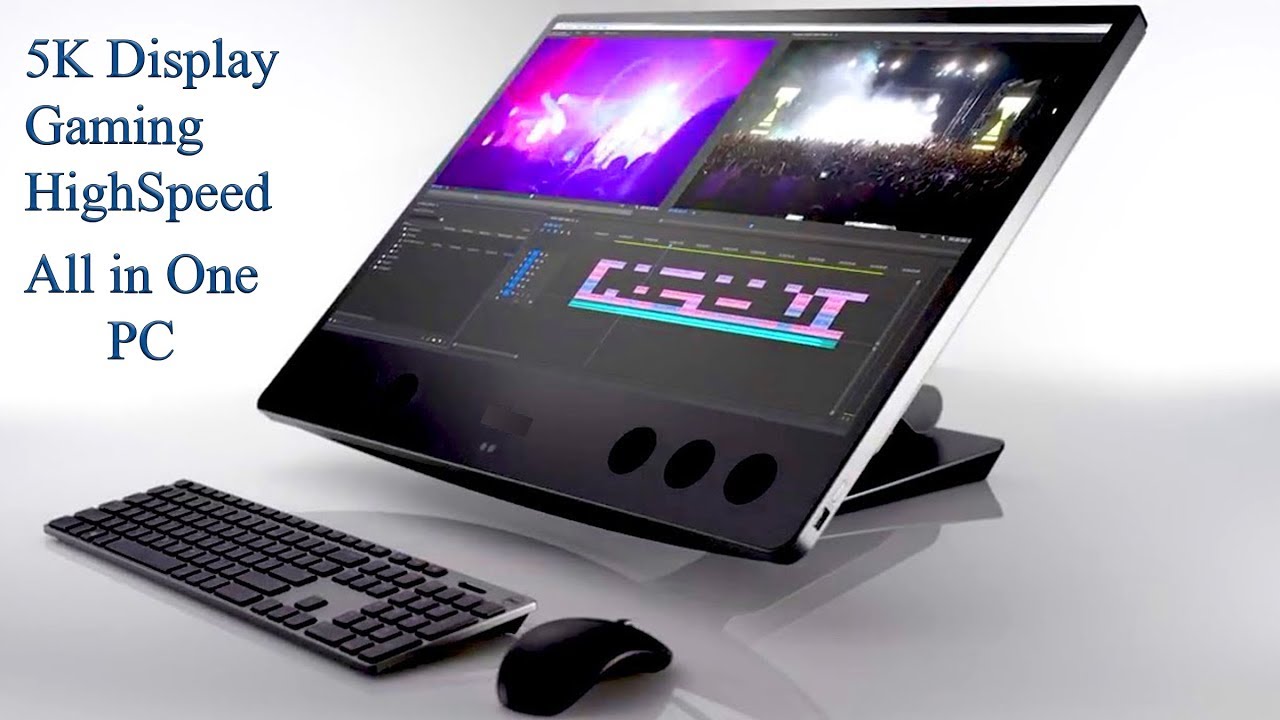


 best computer there is today since all we want is a computer that will enable us to connect to the internet and enjoy the enormous public library of information that there is out there, we can invest on a simple computer at a very low price.